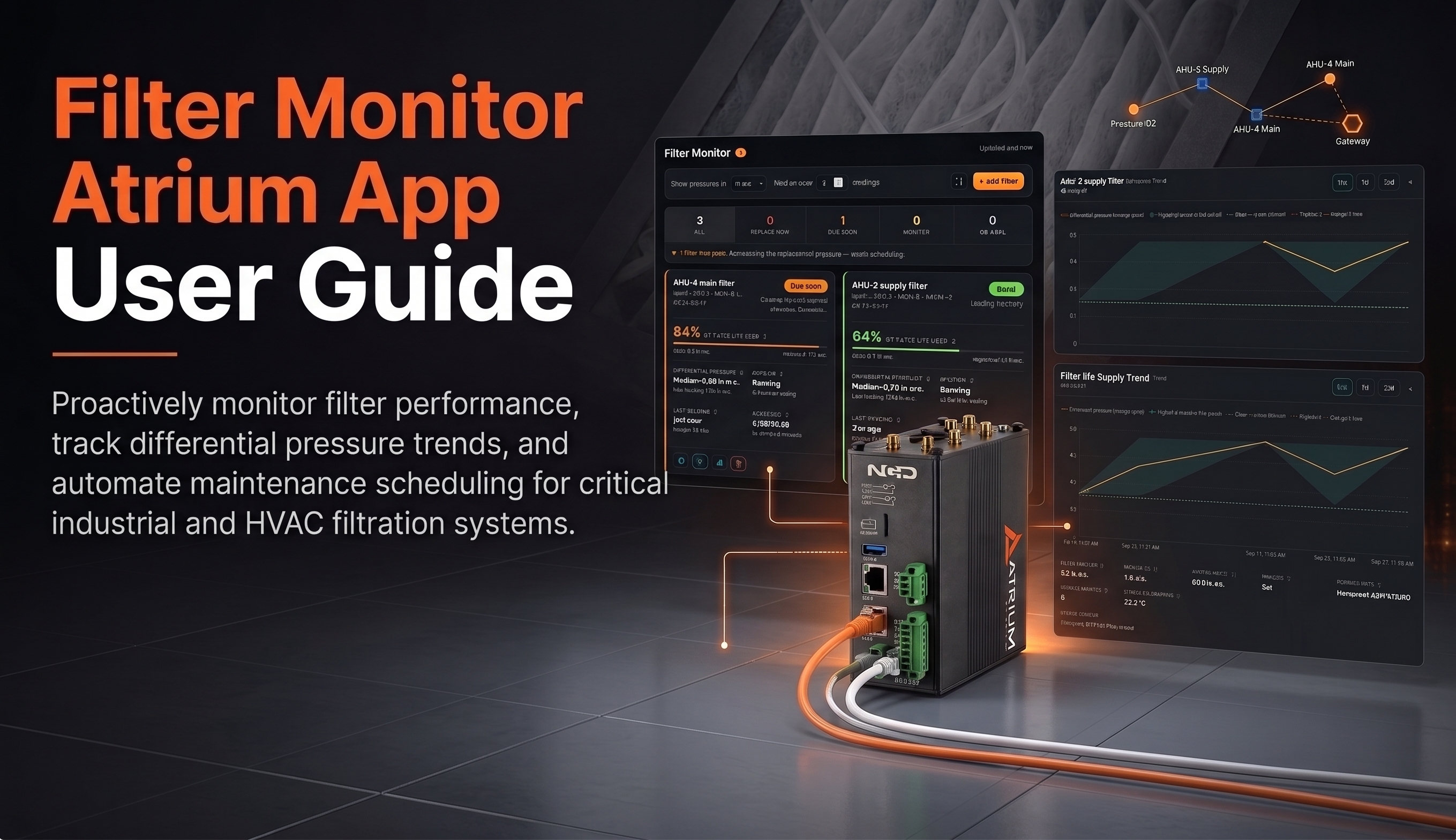
Filter Monitor Atrium App User Guide
NCD Atrium App Filter Monitor Getting Started 01Overview 02Requirements 03Installing 04First-Time Setup Using Filter Monitor 05The Filter List 06Adding a


NCD Atrium App Filter Monitor Getting Started 01Overview 02Requirements 03Installing 04First-Time Setup Using Filter Monitor 05The Filter List 06Adding a
IntroductionSystem Architecture OverviewPrerequisitesNCD RS232 Modem ConfigurationNCD Sensor Configuration guide using Node-REDImporting the Node-RED Flow ExampleOptional: Testing the Command OutputFinal ImplementationAutomated
ChallengeUnseen Waste and Costly IntegrationSolutionAn Agile, Wireless IoT ArchitectureReal-World Success Stories & ROI1. Halting Massive Utility Waste at a Major
Explore the Wireless Vibration, Ultrasound and Temperature Sensor CapabilitiesDevice OverviewStatus LEDSensor SpecificationsPrinted Circuit Board SpecificationsMechanical DrawingAlignment IndicatorRF Module SpecificationsPower Requirements

Get details instructions on how to configure your device.
Device OverviewFrame StructureFrame Communication at Power UpRun Mode FrameConfiguration Mode FrameFactory Reset Mode FrameSync Check In FrameSync Acknowledgment FrameUPTHWRN Mode
Explore the Wireless Vibration, Ultrasound and Temperature Sensor CapabilitiesDevice OverviewFrequently Asked Questions About Wireless Ultrasound & Vibration Continuous MonitoringWhat does
IntroductionWiring ConnectionsSerial ConfigurationConfiguration Hardware & Software RequirementsConfiguration Steps via Node-REDWire Replacement: Configuring Unicast ModeExample Scenario:Issue: NCD Device Transmits Successfully but
Overview and System ArchitectureHow It WorksSensor Capacity and Key LimitsSensor Generations and Configuration MethodsPrerequisites and Required SoftwareHardware RequiredSoftware RequiredNode-RED NCD
IntroductionBest Approach: Modbus Server on the Gateway or the PLC?Why the Gateway Should Act as the Modbus ServerRequirementsArchitecture OverviewProcedureModbus Package

Introduction This guide aims to explain the core functionality and architectural differences between our PR55-34 and PR55-88F Industrial RS485 IoT

ChallengeBlind Spots on Legacy EquipmentThe Search: The High Cost of “Rip and Replace”SolutionA Standalone RetrofitUbidots DashboardImpact50% Better Accuracy and ROI