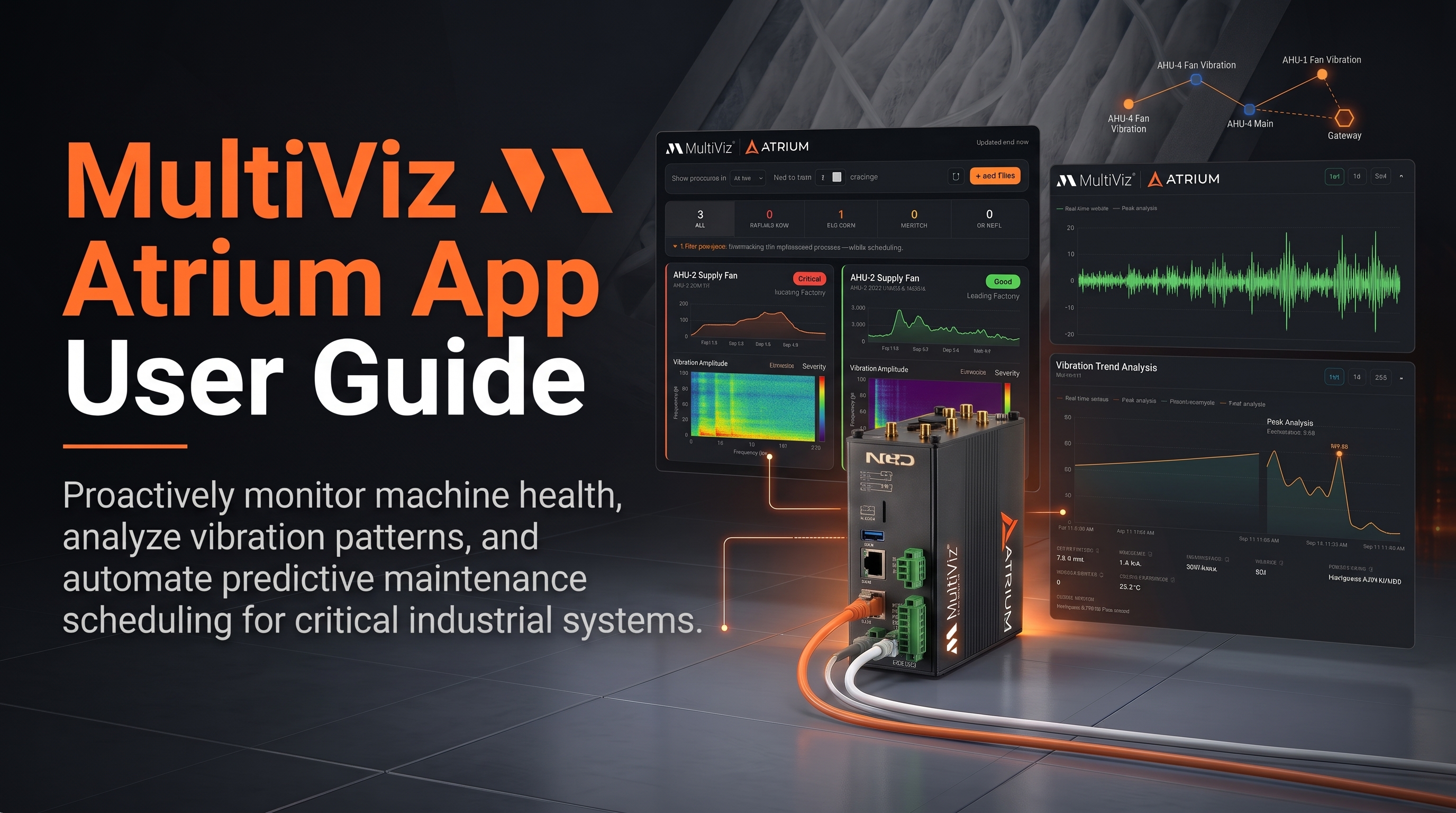
MultiViz App User Guide
NCD Atrium App MultiViz App User Guide Getting Started 01Overview 02Requirements 03Installing 04First-Time Setup Overview Screen 05Overview Screen 06MultiViz MQTT


NCD Atrium App MultiViz App User Guide Getting Started 01Overview 02Requirements 03Installing 04First-Time Setup Overview Screen 05Overview Screen 06MultiViz MQTT
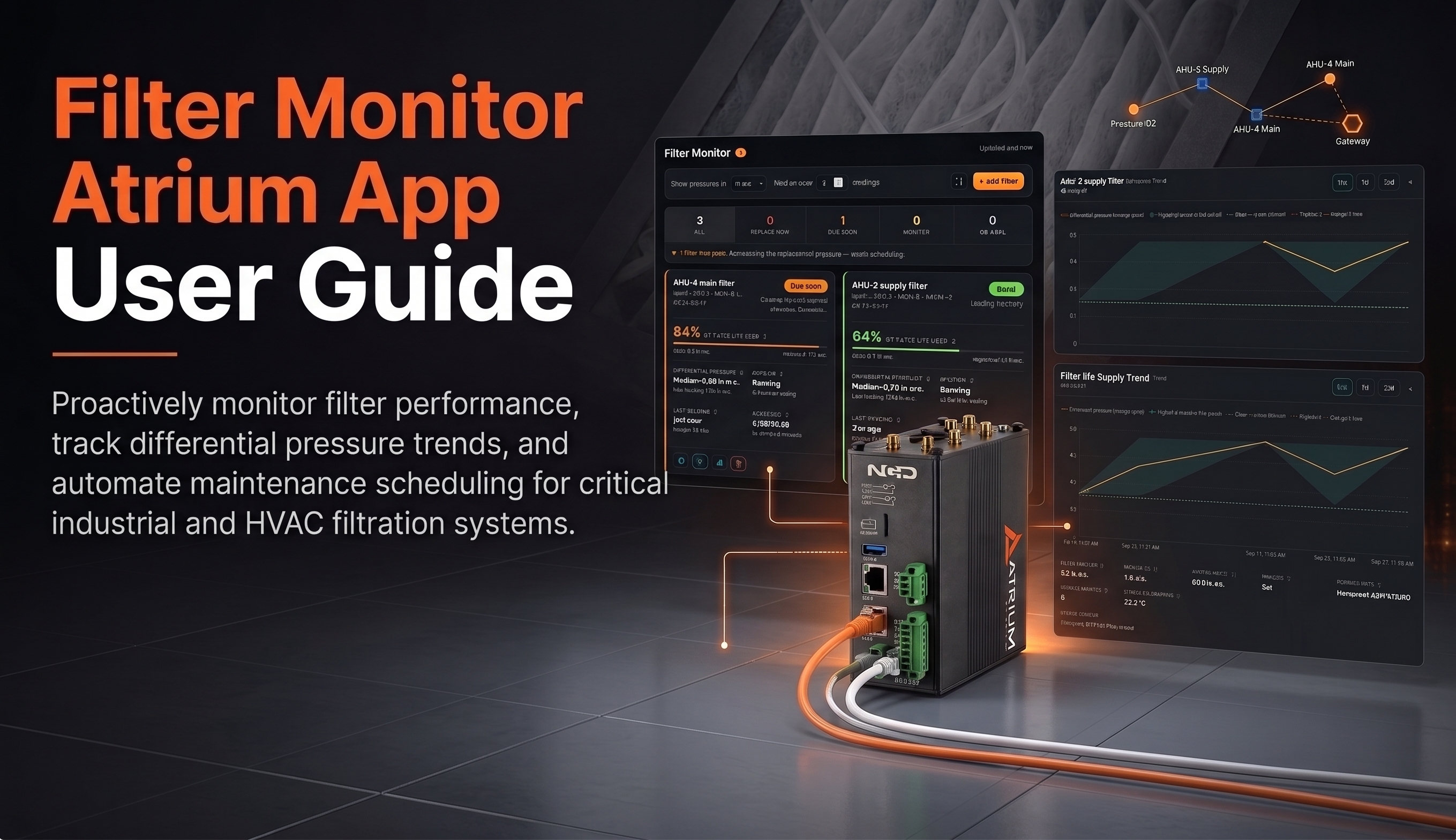
NCD Atrium App Filter Monitor Getting Started 01Overview 02Requirements 03Installing 04First-Time Setup Using Filter Monitor 05The Filter List 06Adding a
OverviewSorba aiChallengeSolutionOperational ResultsShaping The Future of Logistic OperationsConnect How a ship-to-shore crane operation utilized Process Automated Predictive Maintenance (APdM) to
Atrium Gateway Sensor Configuration Guide Overview 01Standard Behavior 02Sync Mode Process 03Config Procedure 04Troubleshooting NCD Enterprise › Atrium Gateway Process
Executive SummaryProcenseChallengeIsolated Scales and The High Cost of Manual Pre-WeighSolutionWireless Scale-To-Cloud Integration via NCDWorkflowHow The Integrated Architecture WorksImpact and ResultsNextConnect
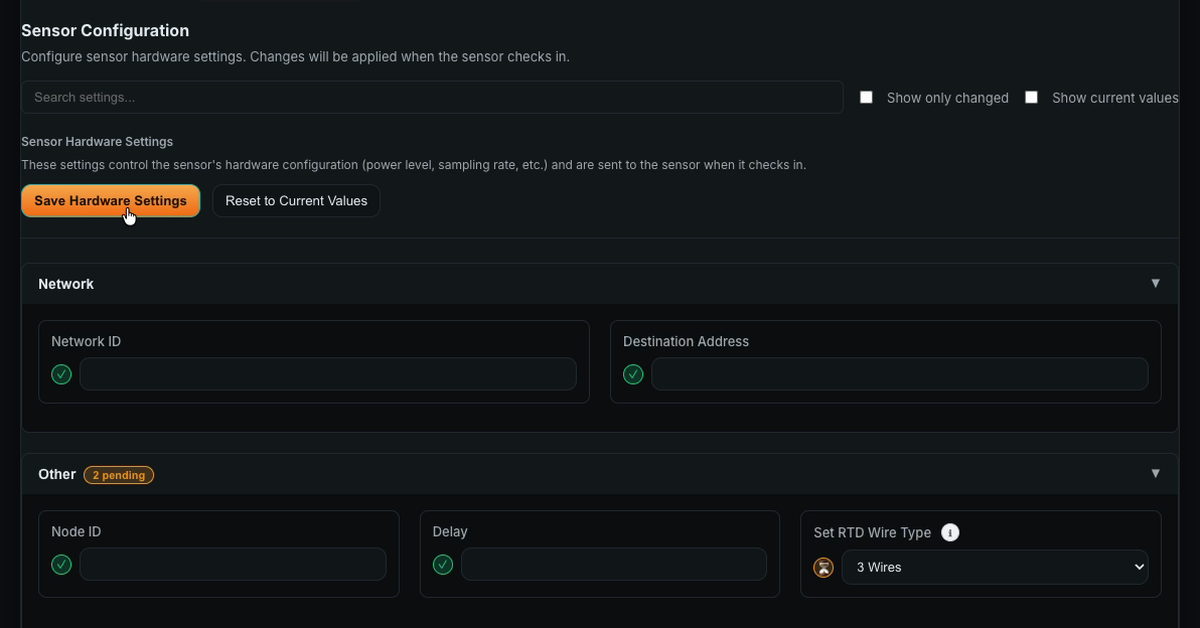
Five reasons a new setting hasn’t reached your wireless sensor yet, most common first. You change a sensor from reporting

Same sensor, same moment, two charts, two answers. Not anymore. Atrium 2.7.0 started with something a customer noticed. They compared
NCD Atrium App Ignition User Guide Get Started 01Overview 02Requirements 03Installing 04First-Time Setup▸ 1. Find your broker details 2. Connect
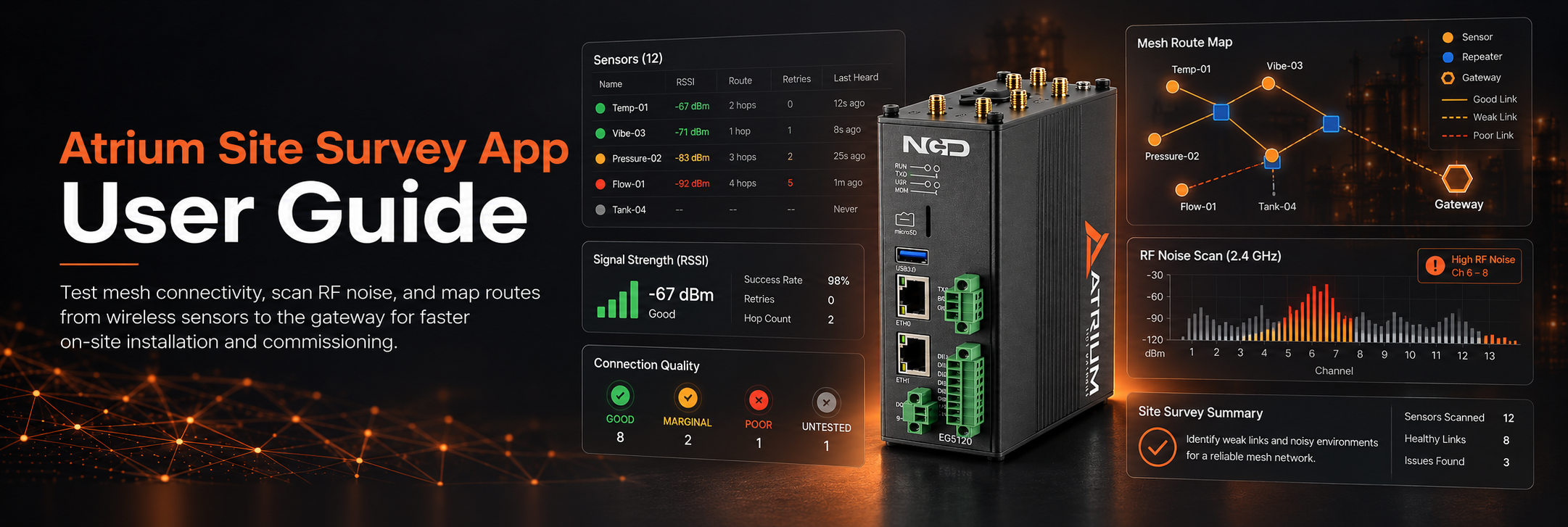
NCD Atrium App Site Survey User Guide Get Started 01Overview 02Requirements 03Installing 04First-Time Setup▸ 1. Open the app 2. Check
IntroductionWhen Should a User Configure Sensor Settings?Wireless Gateway Sensor MessagesSensor BehaviorSync / Configuration ModeReset Button and Magnetic SwitchSync MessagesSync Check-In
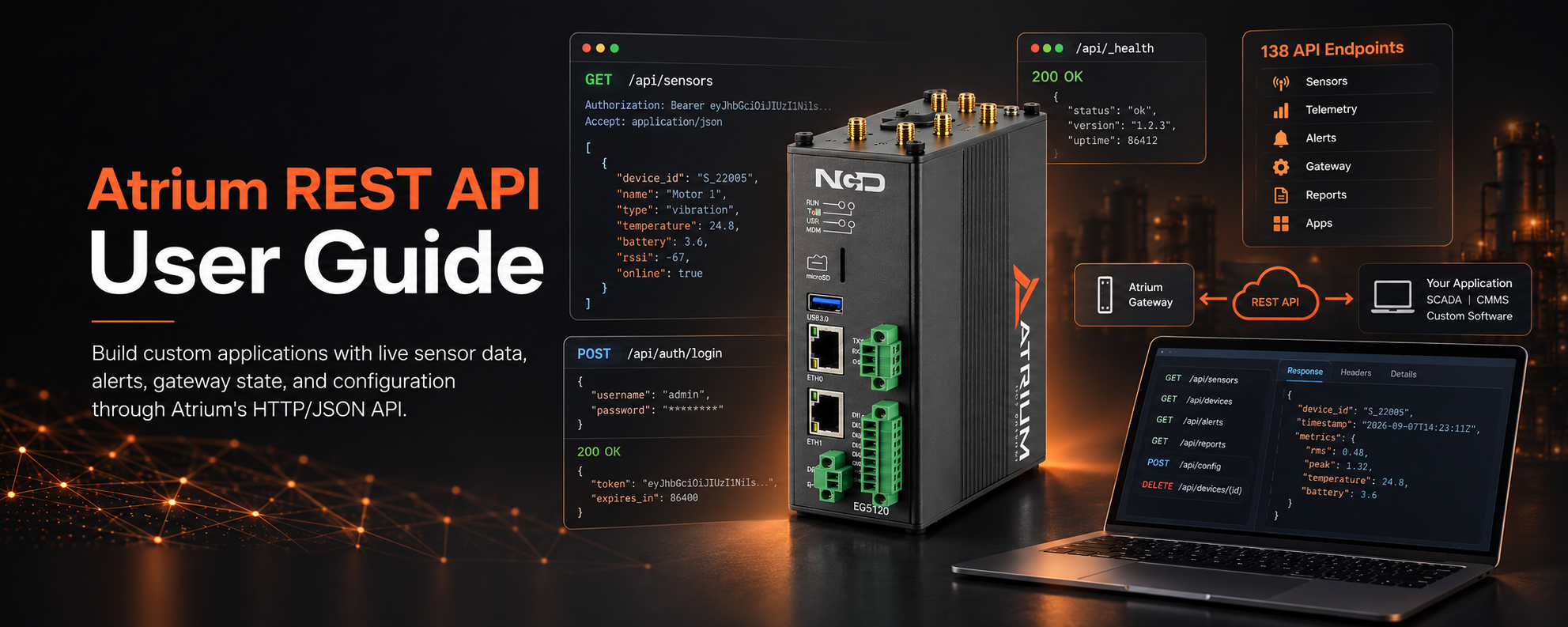
NCD Atrium REST API Guide v1.0 · Platform 2.5.3 Getting Started □1. Overview □2. Base URL & Access □3. Authentication
NCD Atrium Precision Bidirectional Differential Pressure Sensor Long Range Introduction 01Overview 02Specifications 03Prerequisites Installation 04Mounting & Installation 05Pairing with Atrium