
Atrium 2.7.0: Every Reading, Exactly Where It Happened
Same sensor, same moment, two charts, two answers. Not anymore. Atrium 2.7.0 started with something a customer noticed. They compared


Same sensor, same moment, two charts, two answers. Not anymore. Atrium 2.7.0 started with something a customer noticed. They compared
IntroductionWhen Should a User Configure Sensor Settings?Wireless Gateway Sensor MessagesSensor BehaviorSync / Configuration ModeReset Button and Magnetic SwitchSync MessagesSync Check-In
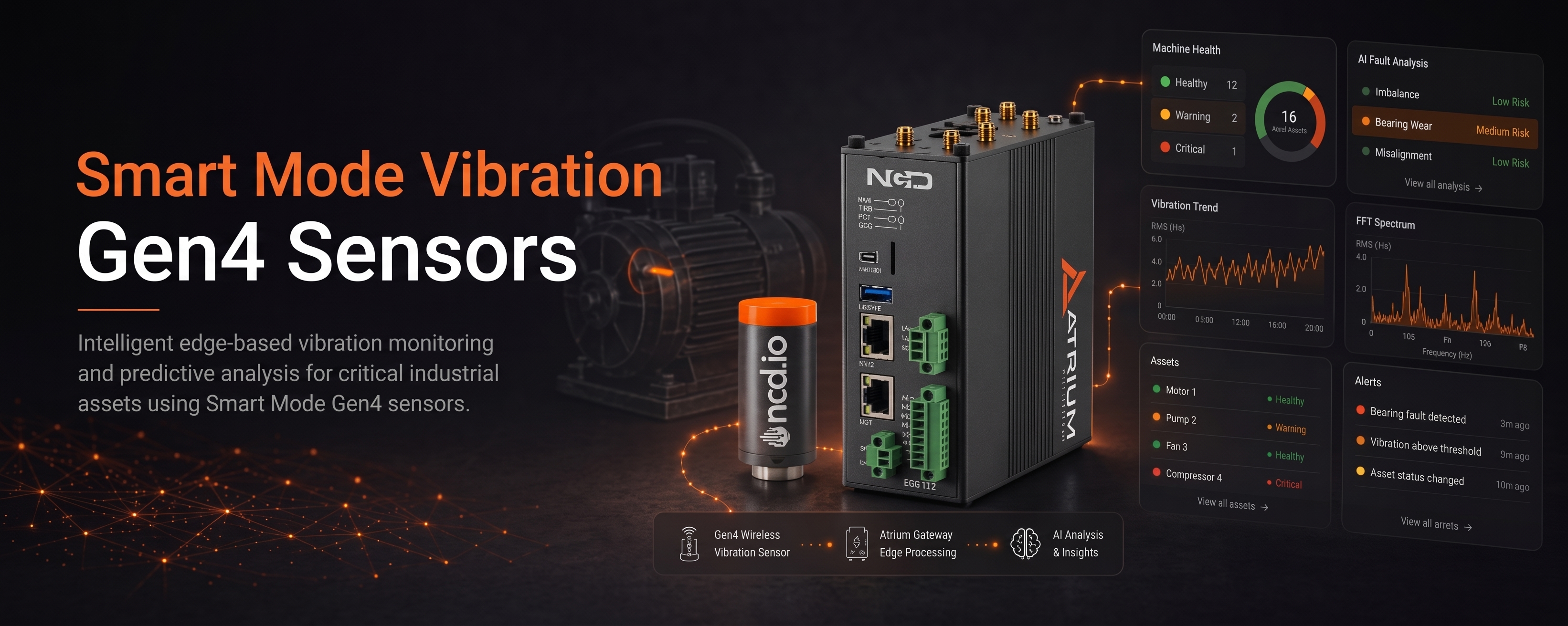
Gen4 Wireless Sensors Smart Mode Guide Introduction 01Overview 02Data Transmission Configuration 03Key Parameters 04Bypassing Smart Features Application 05Logic Flowchart 06Use
IntroductionSystem Architecture OverviewPrerequisitesNCD RS232 Modem ConfigurationNCD Sensor Configuration guide using Node-REDImporting the Node-RED Flow ExampleOptional: Testing the Command OutputFinal ImplementationAutomated
Device OverviewFrame StructureFrame Communication at Power UpRun Mode FrameConfiguration Mode FrameFactory Reset Mode FrameSync Check In FrameSync Acknowledgment FrameAssertion Reason
Device OverviewFrame StructureFrame Communication at Power UpRun Mode FrameConfiguration Mode FrameFactory Reset Mode FrameSync Check In FrameSync Acknowledgment FrameAssertion Reason
Device OverviewHardware ControlsPower SwitchReset Button and Magnetic SwitchConfiguration Button and Magnetic SwitchHardware Mode SelectionRun ModeSync/Configuration ModeFactory Default/ResetUsing ButtonsUsing Magnetic SwitchesDefault
Device OverviewStatus LEDSensor SpecificationsPrinted Circuit Board SpecificationsMechanical DrawingRF Module SpecificationsPower Requirements and Expected Battery LifePower RequirementsExpected Battery Life Explore The
Installation Guide for Atrium GatewaysInstallation via Node-RED for Enterprise IIoT GatewayRequirementsProcedureOffline Installation via SCPMust-haveStepsIMPORTANT! Please only perform this update process
Explore 3.3V D Cell + Supercap BatteryOverviewDrawingsChartsExplore 3.3V D Cell + Supercap Battery Click Here Overview Thionyl Chloride Lithium Battery
ChallengeUnseen Waste and Costly IntegrationSolutionAn Agile, Wireless IoT ArchitectureReal-World Success Stories & ROI1. Halting Massive Utility Waste at a Major
Explore the Industrial Wireless RS485 Modbus Transmitter CapabilitiesWireless TechnologyApplications & Use-casesWireless Data Collection in Distributed Industrial SitesRemote Monitoring of Legacy