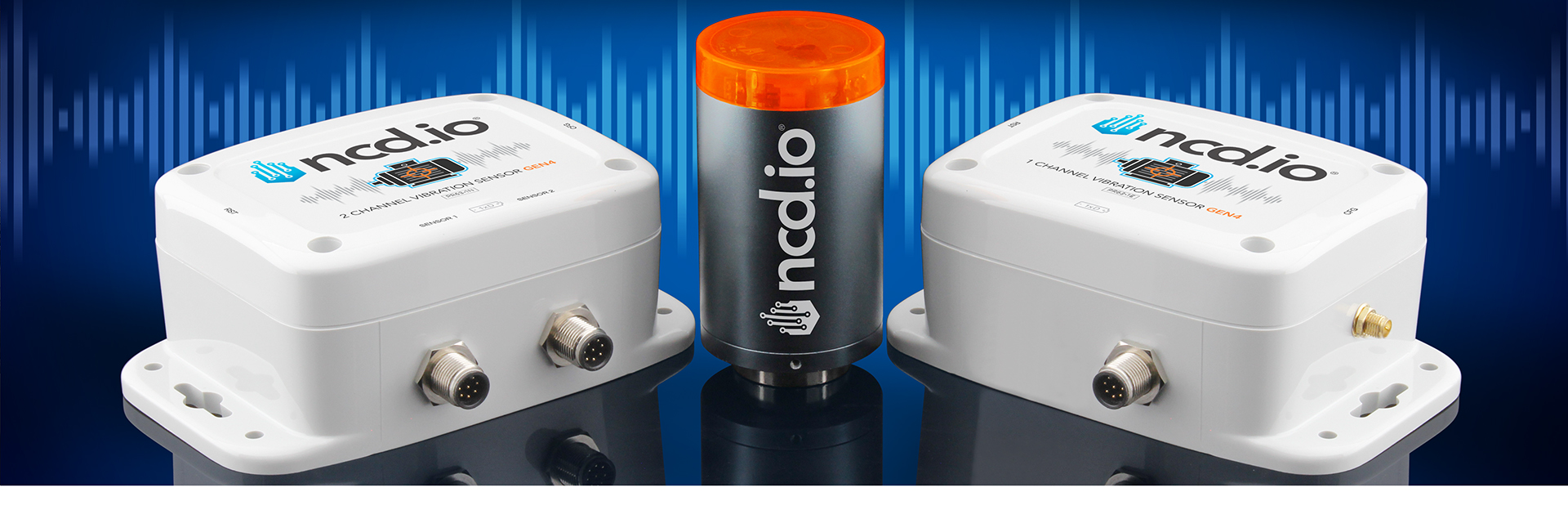
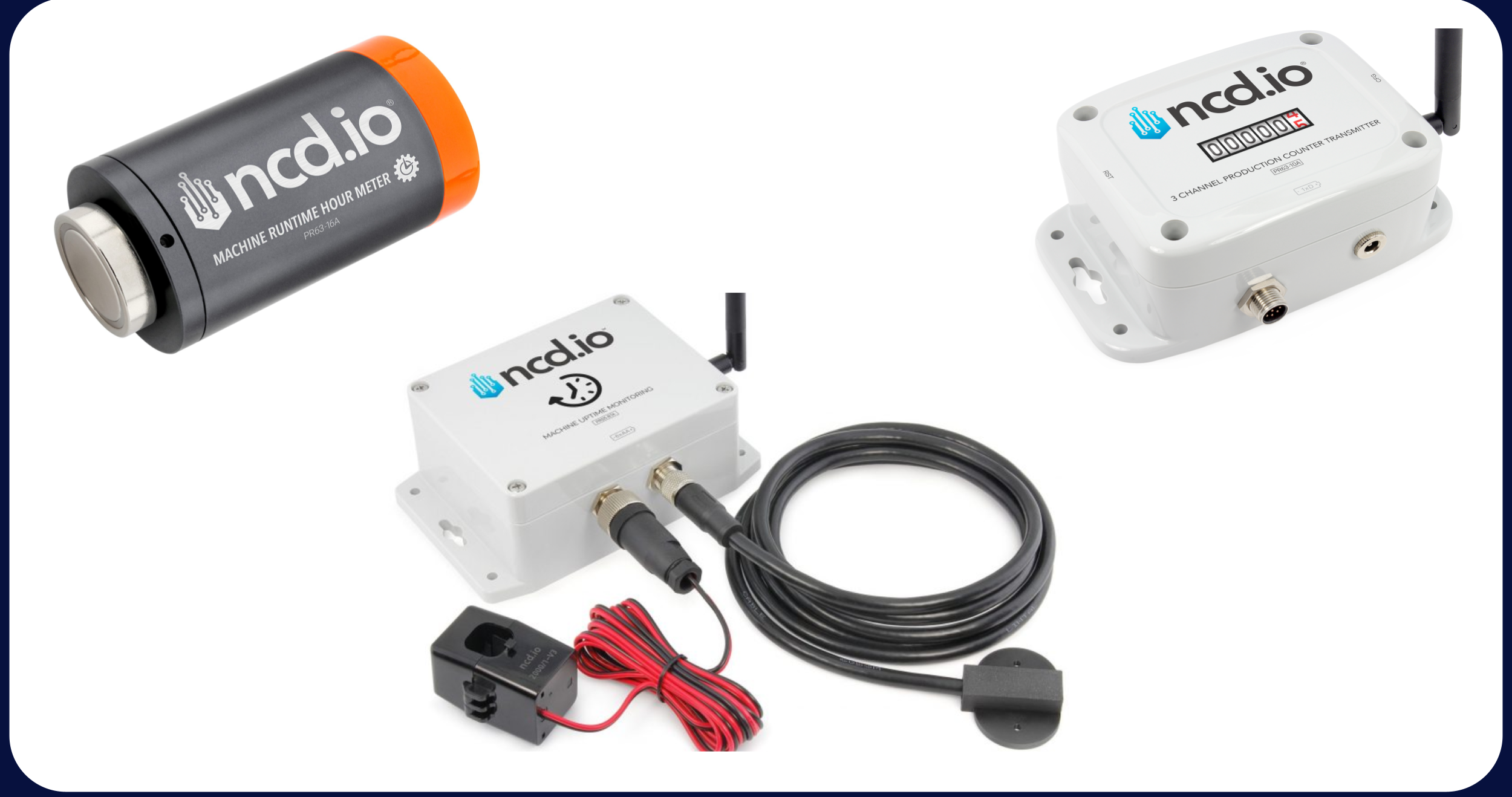
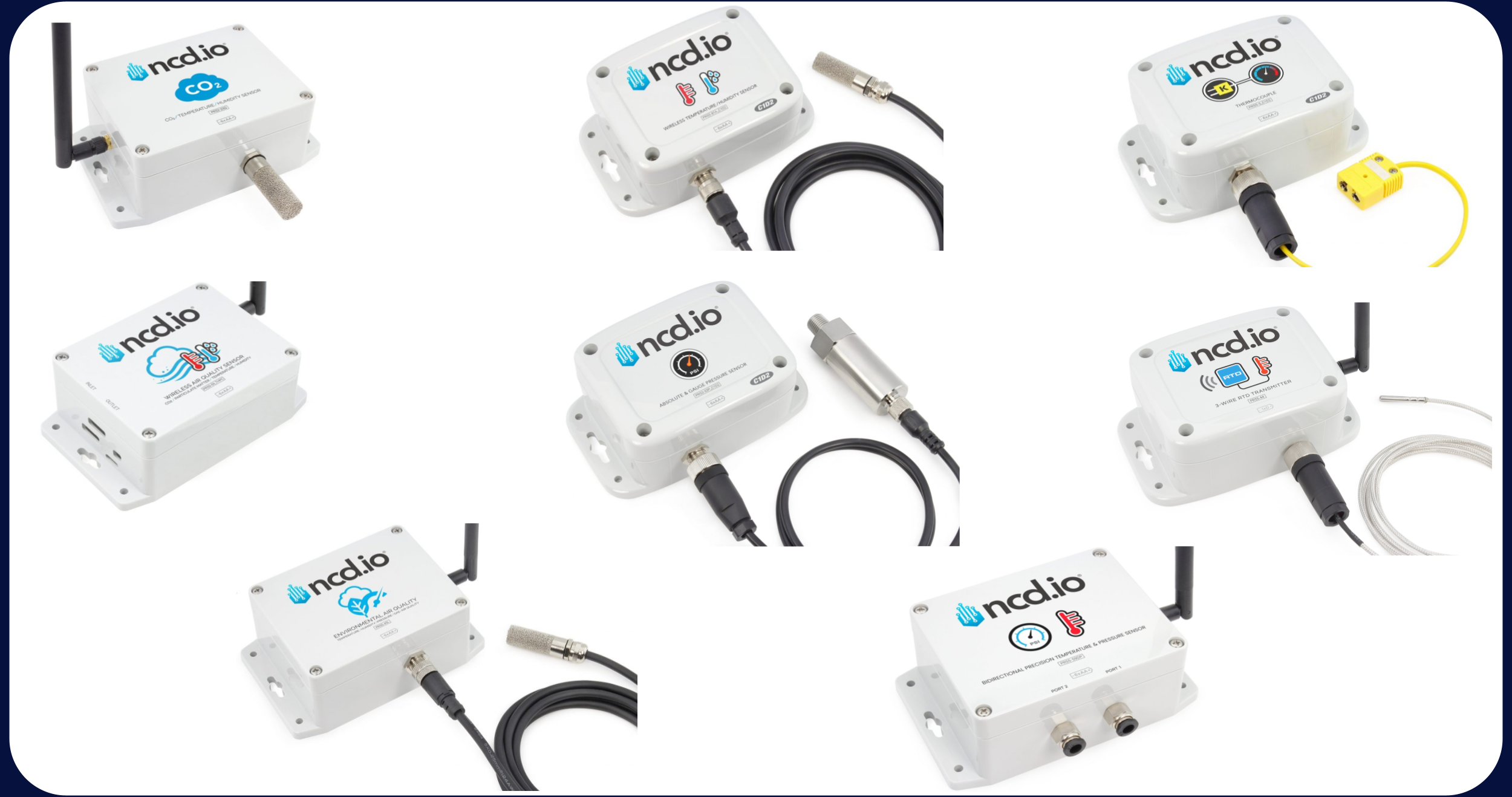
No, we offer a comprehensive suite of Industrial IoT (IIoT) wireless sensors. While our vibration sensors are popular, our range includes:
- Environmental: Temperature, Humidity, Air Quality, CO2, and Air Velocity.
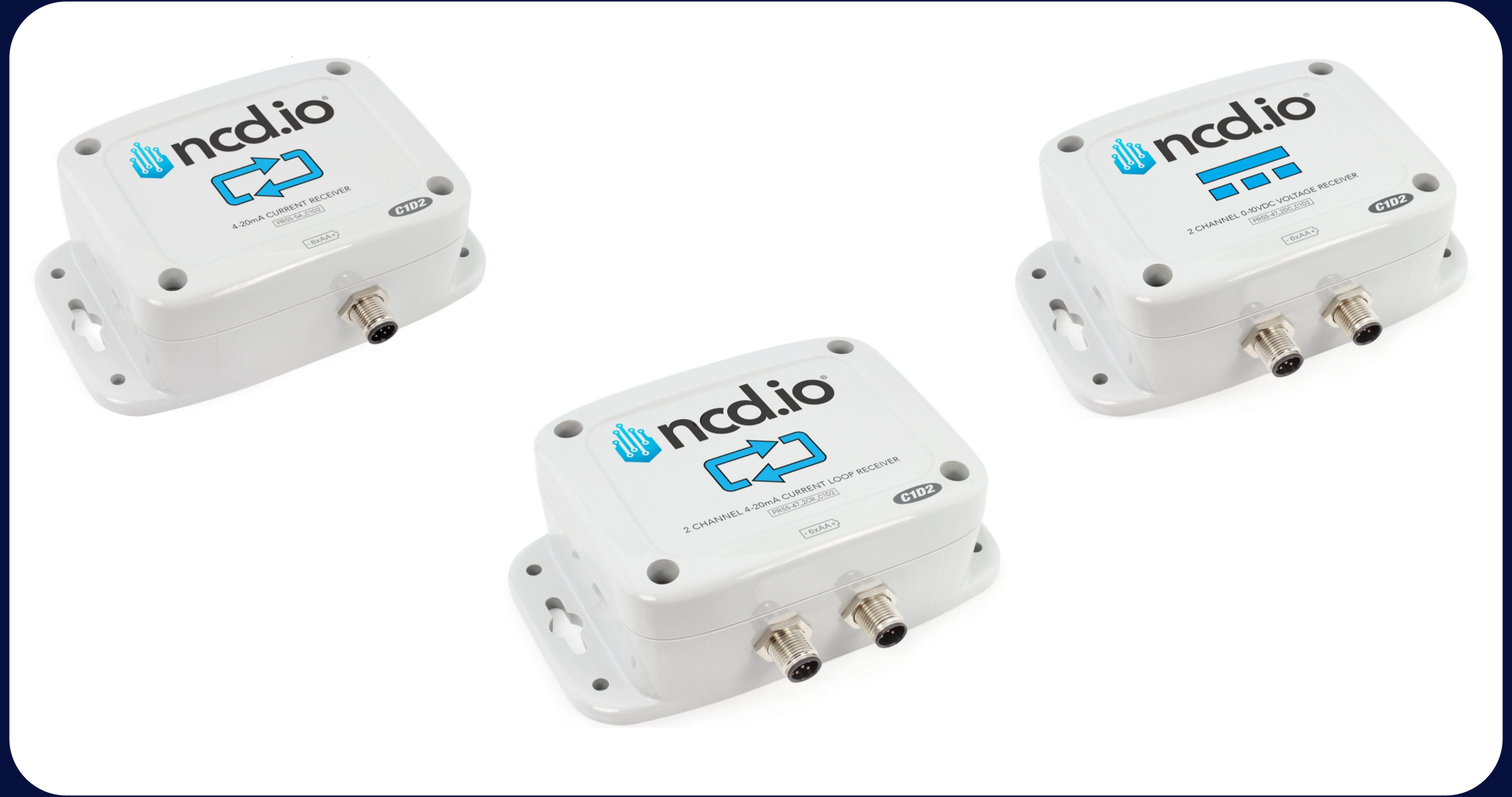
- Industrial Communication: 4-20mA/0-10V Receivers – RS485 Modbus Transmitters.
- Predictive: AC Current Monitor, Vibration, Temperature.
- Safety and Security: Water Leak detection and Door Open/Closed status.
- Level and Motion: Tank Level monitors and Displacement sensors.
- Operational: Production and machine runtime (OEE focused) transmitters.
- Specialized: Pressure, pH and custom-built solutions tailored to your specific needs.
- And More…
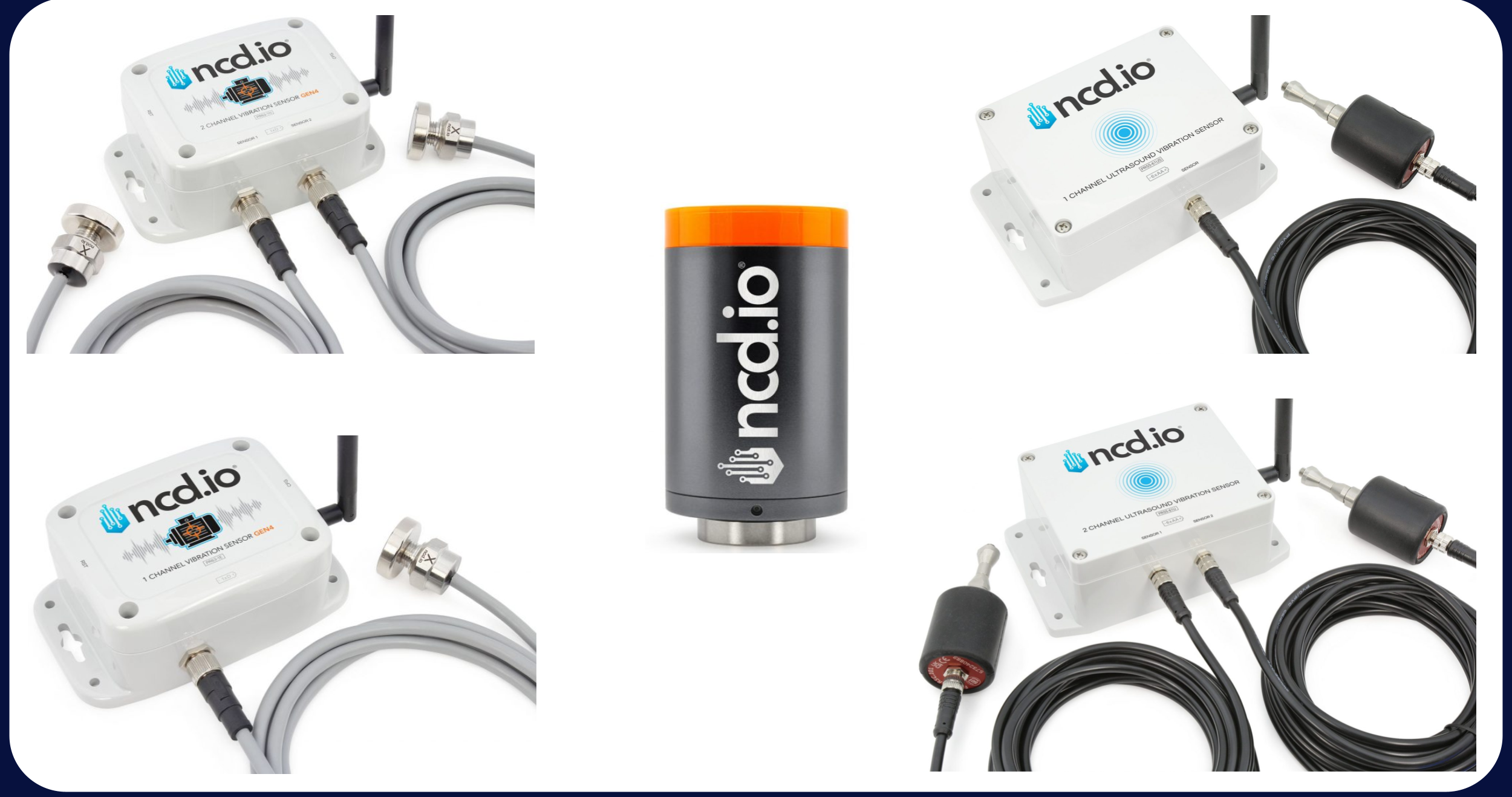
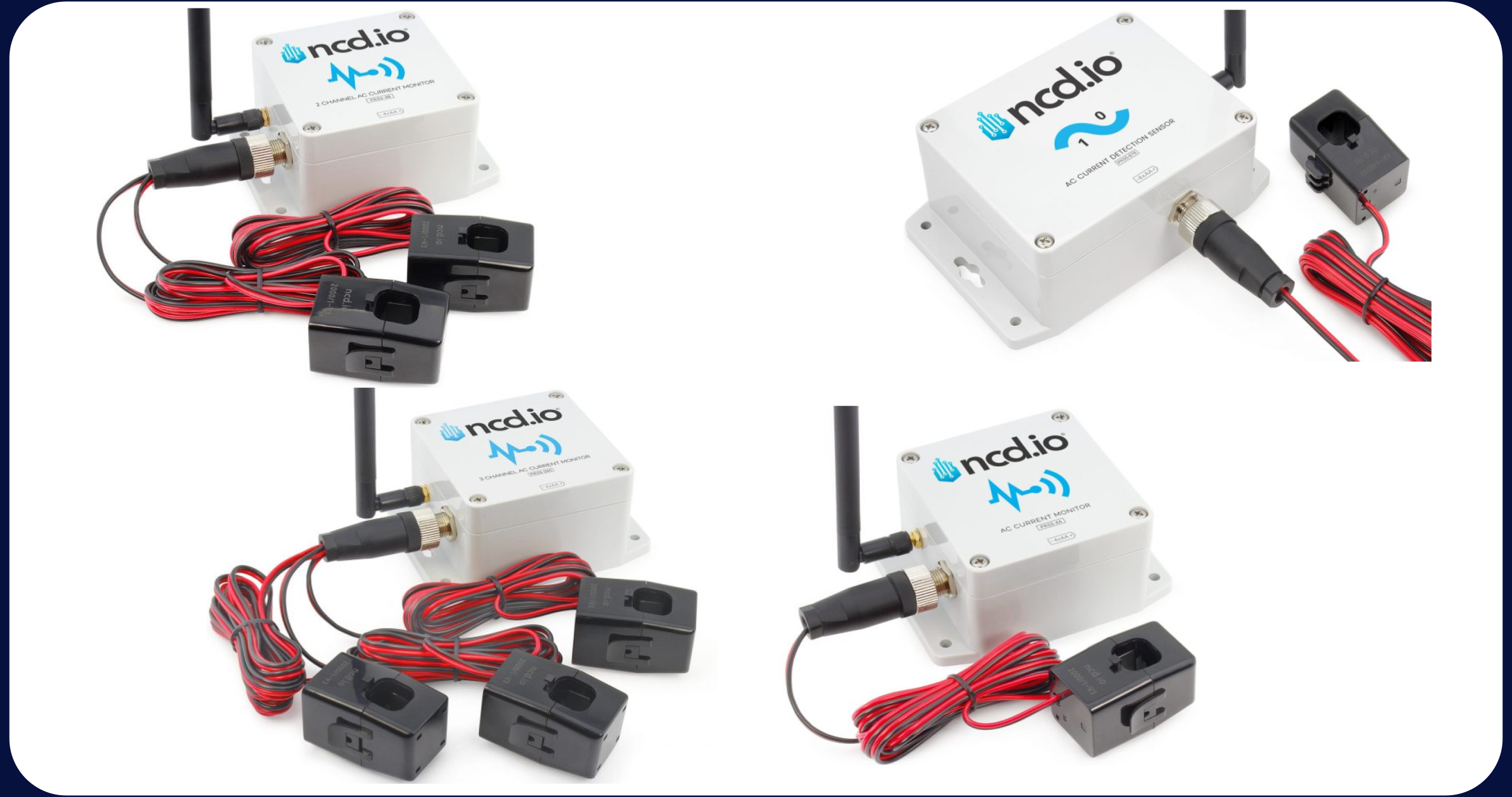
To get started, you only need two components:
- The Enterprise Sensor(s) of your choice.
- An NCD Gateway to receive and translate the data.
Yes. If you already have your own industrial PC or a specialized gateway and prefer to manage the data directly on your own hardware, you can use an NCD Wireless Modem instead of a standalone NCD Gateway.
- How it works: The Wireless Modem (available in USB, RS-232, or Ethernet versions) acts as the bridge between your sensors and your host device. It receives the wireless signals and passes them to your PC or gateway for processing.
- Software Requirements: Since the modem provides raw data, you will need to install our NCD Library (for Node-RED, Python, or other languages) to decode the sensor transmissions into human-readable values.
- Best For: This setup is ideal for developers, engineers with existing SCADA hardware, or users who want to build a fully custom software dashboard on a local computer.
We do not provide complimentary demo units or loaner kits. However, we offer a 30-day return policy to ensure our hardware meets your specific application requirements. This allows you to purchase the necessary components, test them in your actual environment, and return them if they do not perform as expected. You can find the full details regarding our warranty and return procedures here: Warranty Return Policy
- Black Enclosure: These models are now retired. Designed for indoor/light-duty use, they lack an industrial weather-resistance rating.
- White Enclosure: Specifically engineered for industrial environments with an IP65 rating, providing protection against dust and water ingress.
Yes. All NCD Enterprise Sensors (white box) are built with at least IP65-rated enclosure. This provides robust protection against dust and water ingress, making them ideal for both outdoor use and harsh industrial settings. They are engineered to operate reliably in extreme conditions with a temperature range of -40C to +80C (-40F to +176F).
Regarding hazardous environments: While most of the Enterprise sensors are IP65 rated, only specific models are C1D2 (Class 1 Division 2) certified. If your application requires these safety ratings, please check our C1D2 Certified compatible hardware here.
Enterprise sensors are engineered for maximum power efficiency utilizing a sophisticated “Sleep-Wake” cycle. The majority of our sensors operate according to the following behavior:
- Wake Up: The sensor wakes up at your user-defined interval.
- Process: It reads and processes field variables (like temperature, AC current or vibration).
- Transmit: It wirelessly sends that data to the gateway.
- Sleep: The sensor enters a low-power sleep mode to preserve battery life until the next scheduled interval.
- This loop repeats indefinitely, ensuring long-term autonomous operation.
Note: Certain sensors feature an automatic “check-in” for configuration updates that occurs once per hour. This allows the device to periodically sync with the gateway to apply any new settings.
Note: Select Enterprise Sensors feature push notifications and event-triggered transmissions to immediately indicate a status change. Please consult the Product User Manual to confirm if your specific sensor supports these features.
Note: Gen4 Vibration Sensors feature an integrated Machine Learning algorithm designed to optimize data transmission efficiency.
While most sensors come preconfigured with a default 10-minute transmission interval, this is not fixed. You have full control over the sensor parameters. You can easily adjust the transmission frequency and other specific sensor settings to meet your needs. All available configuration options are detailed in the specific User Manual for your device, located under the “Resources” tab on the product page.
You cannot connect a sensor directly to a phone. To view data or receive alerts, you need an NCD Gateway to act as the bridge.
The Basic NCD Architecture: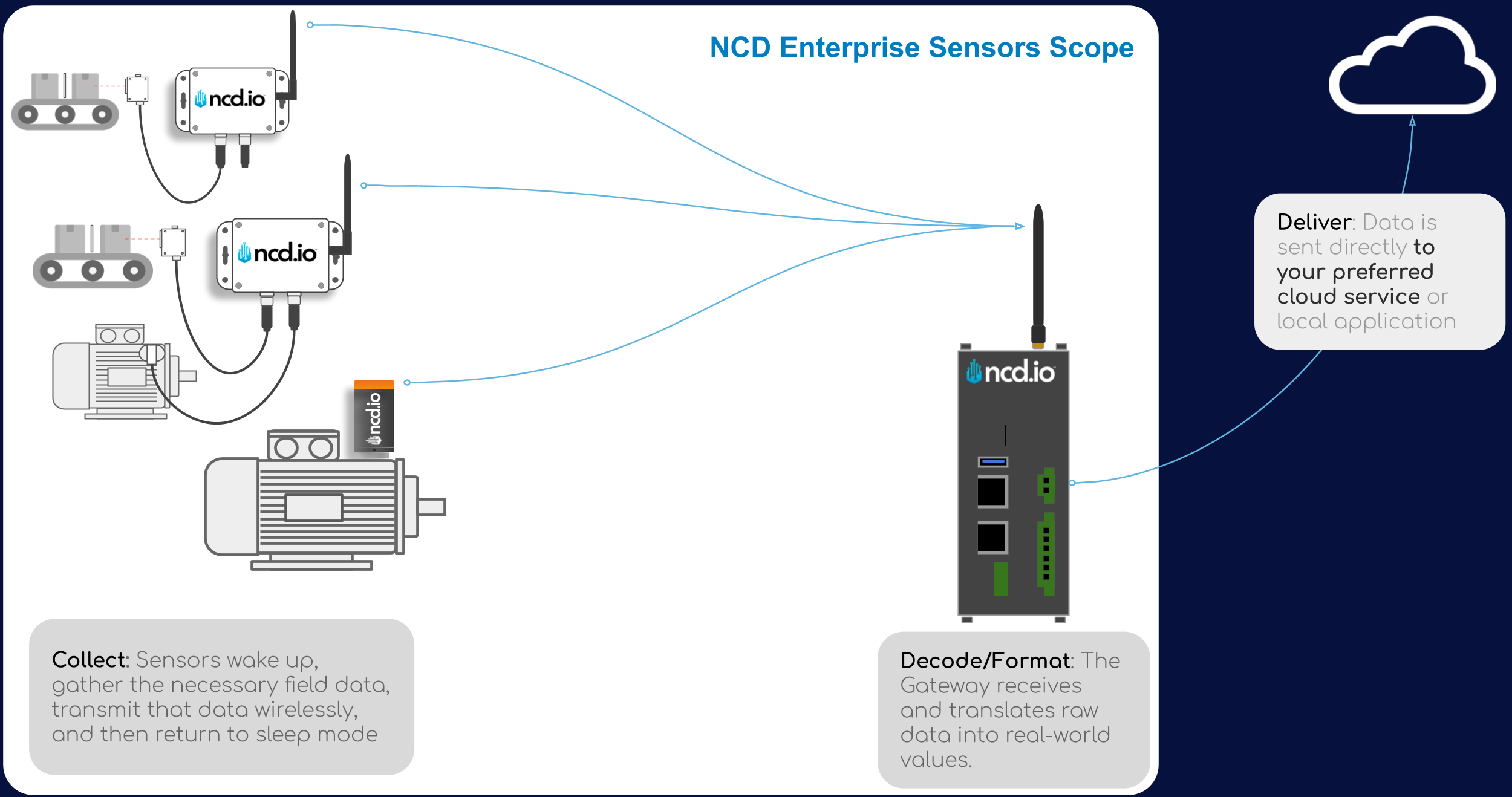
The Enterprise IIoT Gateway is a powerful Edge Computer that serves as the “brain” of your sensor network. You need it because sensors communicate in raw data bytes that require translation before they can be used.
Key Functions:
- Translation: It receives raw wireless signals and converts them into JSON (human-readable) format using the pre-installed NCD Library and Node-RED.
- Engineering Units: It translates raw bytes into meaningful values like Celsius, PSI, or G-force.
- Data Routing: Once translated, the gateway can send your data to almost any platform, including AWS, Azure, Google Cloud, Ubidots, Losant, MQTT, or local SCADA systems via protocols like OPC-UA and REST API.
- Network Management: It allows you to perform remote sensor configurations and firmware updates without needing to physically access each device.
- Enterprise IIoT Gateway (Standard): This version is the ideal choice for developers and engineers who want complete data sovereignty and the flexibility to build a tailored solution from the ground up.
- Total Customization: Designed for those who want to create bespoke Node-RED flows, dashboards, and edge logic.
- High Performance: Equipped with increased CPU and RAM capacity (compared with Lite version).
- Built-in Cellular: Includes integrated cellular connectivity, making it a “drop-in” solution for remote sites where local Wi-Fi or Ethernet isn’t an option.
Full System Access: Provides SSH access to the Debian-based operating system.
- Enterprise IIoT Gateway Lite: Best for budget-friendly integration. Features the same capabilities as the Standard version but without Cellular and with lower RAM/CPU.
- Atrium IIoT Gateway: Features a built-in web dashboard, SQL database, and email alerts. No monthly fees.
- NCD Cloud Gateway: This is being discontinued in favor of the Atrium local-ownership model.
Theoretically, one gateway supports up to 128 devices. You can mix and match different types of sensors on a single gateway.
Note: (Vibration Sensors) Because they send large “Time-Domain” data packets, we recommend a maximum of 30 sensors per gateway if using raw data, or up to 50 sensors if using processed data.
Note: Please keep in mind that the theoretical maximum capacity depends on the transmission frequency; the total number of supported devices will vary based on how often each sensor transmits data.
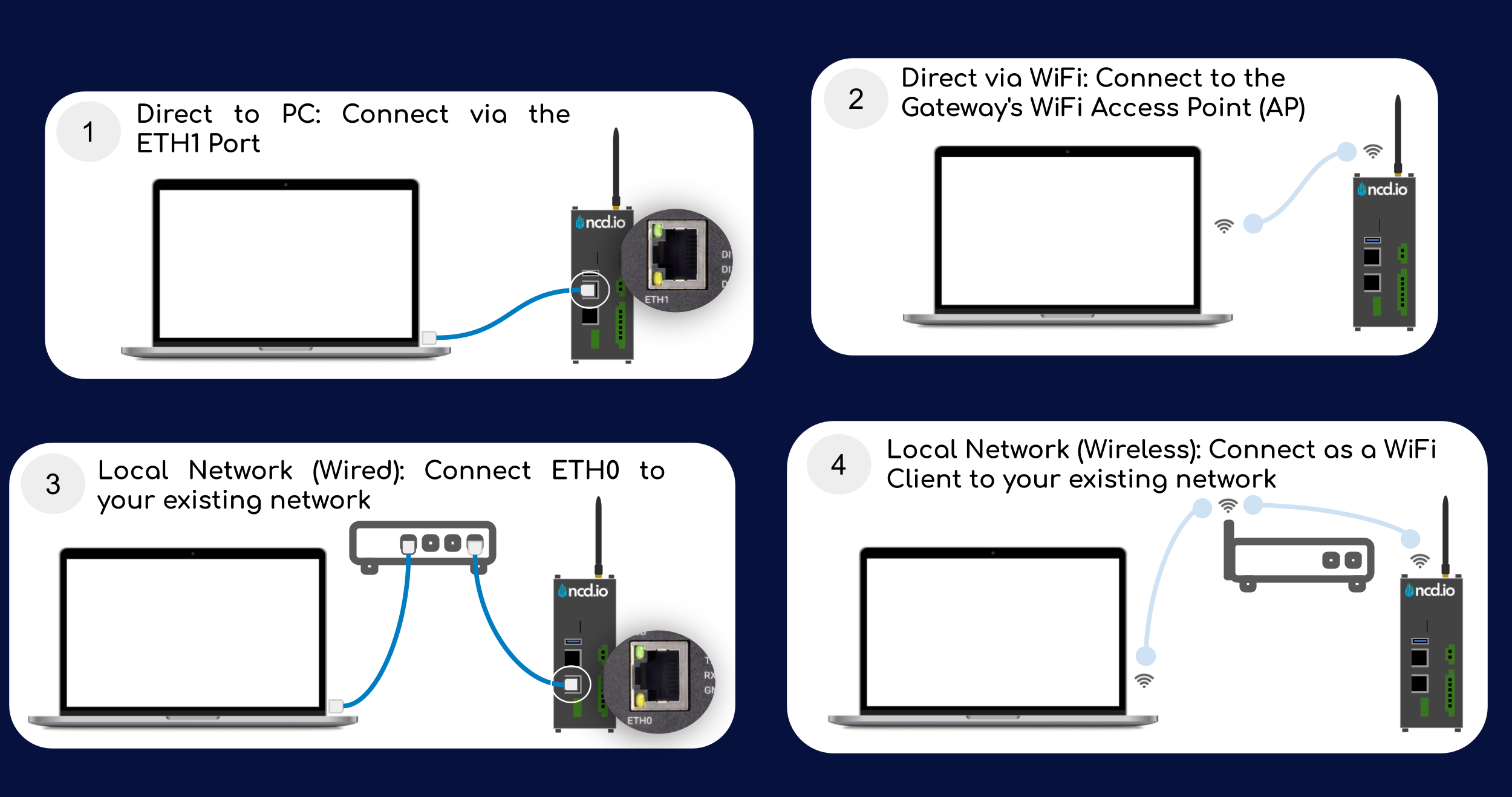
The Enterprise IIoT Gateway is designed for flexible connectivity. You can access the configuration interface and connect the device to your network using the following methods:
- Initial Setup via Wi-Fi (Access Point Mode): By default, the gateway creates its own Wi-Fi hotspot. You can connect any Wi-Fi-enabled PC or tablet directly to this network to access the internal settings and Node-RED interface without needing an existing network.
- Ethernet Connectivity (Dual Ports):
- ETH0 Port: Connect this to your existing local network. It is configured for DHCP by default, allowing the gateway to receive an IP address automatically from your router or switch.
- ETH1 Port: This port is configured to act as a Network Router. You can plug a PC directly into this port with an Ethernet cable to gain immediate access to the gateway’s configuration page, similar to how you would manage a home router.
- Cellular Connectivity: Most of our standard Enterprise Gateways come equipped with built-in cellular modems. This allows the gateway to transmit data to the cloud independently, which is ideal for environments where corporate IT policies restrict Wi-Fi or Ethernet usage.